

如何使用校園G-mail?
111學年度(含)起入學新生不提供校園Gmail
步驟一:
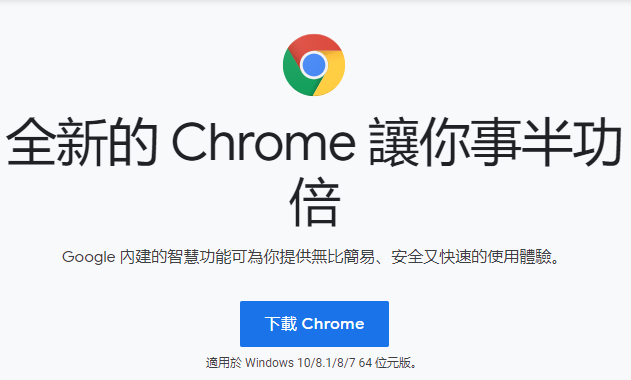
如果有需要,請先下載chrome,下載網址:https://www.google.com/intl/zh-TW/chrome/
步驟二:
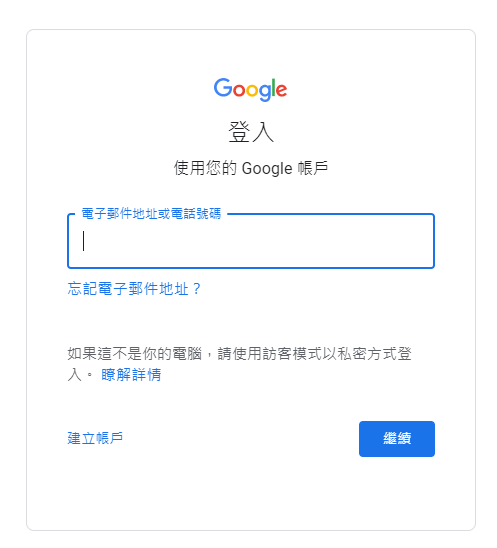
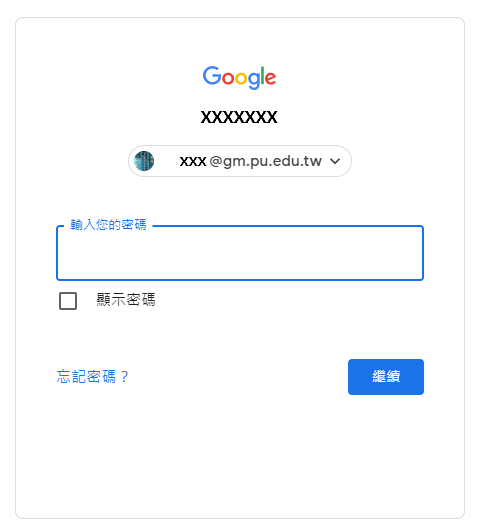
請登入Google帳號,登入網址:https://www.google.com/account/about/?hl=zh-TW
 |
 |
步驟三:
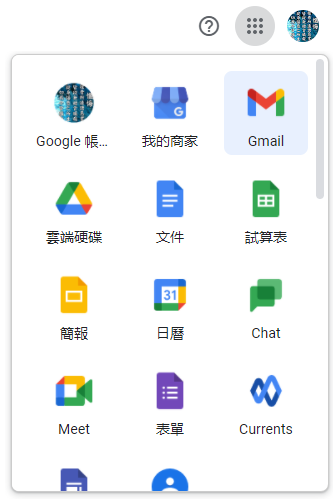
點選右上角多點處,選擇GMAIL,即可進入Gmail信箱。
第一次使用 Gmail 整合式介面:https://support.google.com/mail/announcements/10010805
單 位:
網路系統組
承辦人:
陳鋒謄
分 機:
11732
瀏覽數: